Work faster, be more efficient and productive with shortcuts
Remember just one shortcut to access them all
Perform everyday actions quickly
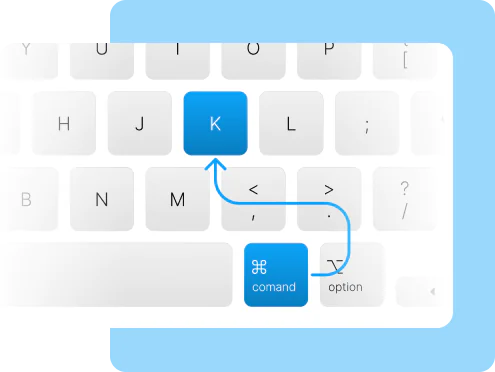
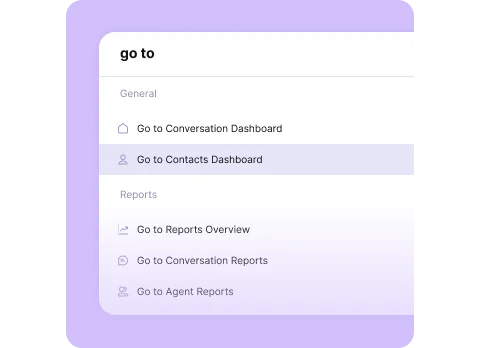
Command bar
Use Ctrl+K to scale your business to productivity
The command bar opens with a simple shortcut that allows you to perform any task or action. Additionally, it also suggests smart actions based on where you are on the dashboard
Quick Access
Accelerated browsing
Conversation actions
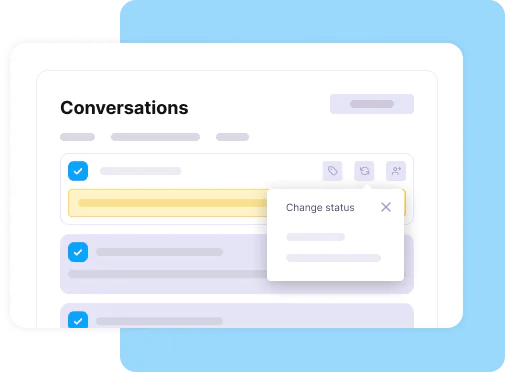
Bulk actions
Take important actions in several conversations at the same time
By updating your conversations in the WiseWoot dashboard, you will increase your productivity
Update your multiple conversations at once
Smart Actions
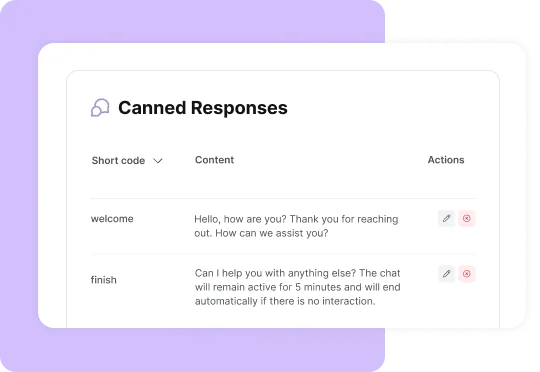
Canned responses
Quick responses to customers and productive agents
Canned responses can help reduce effort when talking to customers. A unique and objective answer can optimize your time
Quick and easy setup
Use quick replies directly in your conversations
Agent capacity
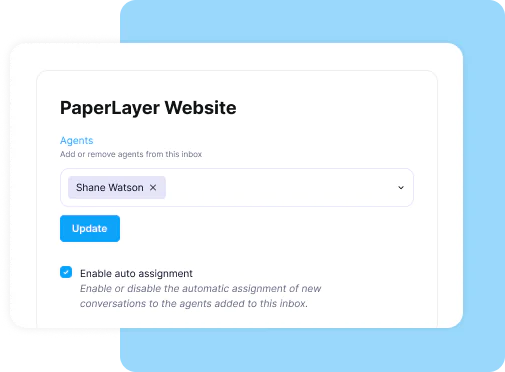
WiseWoot manages your agents' workload
You can set limits for automatically assigning conversations to your agents
Easily set auto-assignment limits
Inbox-wise limits
Unify your service channels and never miss a contact again
Simplified customer support. Unify all your communication channels on a single platform and provide faster, more efficient and flawless service.
We use cookies to ensure that we give you the best experience on our website. If you continue to use this site we will assume that you are happy with it. Privacy policy